


SMART SPORTS GLASSES + CONNECTED APP
BIVDIKO App: Connect, Review and Share.
Connect compatible BIVDIKO glasses and use the App for manual sports video review and side-by-side comparison. Import selected photos and videos, choose frames and add your own annotations. W640 provides first-person camera capture; recording features depend on your glasses model.
WATCH THE APP IN ACTION
How to Use the BIVDIKO App with W640
Follow the official tutorial for W640 capture, App connection, intercom and manual media review.
One video. The complete experience.
Follow the connection steps shown in the tutorial for your device, then manually import selected media before review. You or your coach choose the frames and add annotations.
What you'll see
01Connect the glasses
02Capture photos, video and audio
03Use one-to-one or group intercom
04Manually import, review and compare media
05Save, apply and share feedback
CORE FEATURES
Record. Intercom. Review. Share.
Four connected tools turn real sports moments into useful feedback.

INTERCOM
One-to-one · Group
ANALYZE
Image · Video · Frame by frame
SHARE
Save · Export · SocialRECORD
Three Ways to Capture the Moment.
Photo, video and audio recording give every session the right kind of context.
01 / PHOTO
Capture a still from the athlete's point of view.
Hands-free photo capture
Take a clear reference image without breaking the flow of training.

02 / VIDEO
Record the movement, not the interruption.
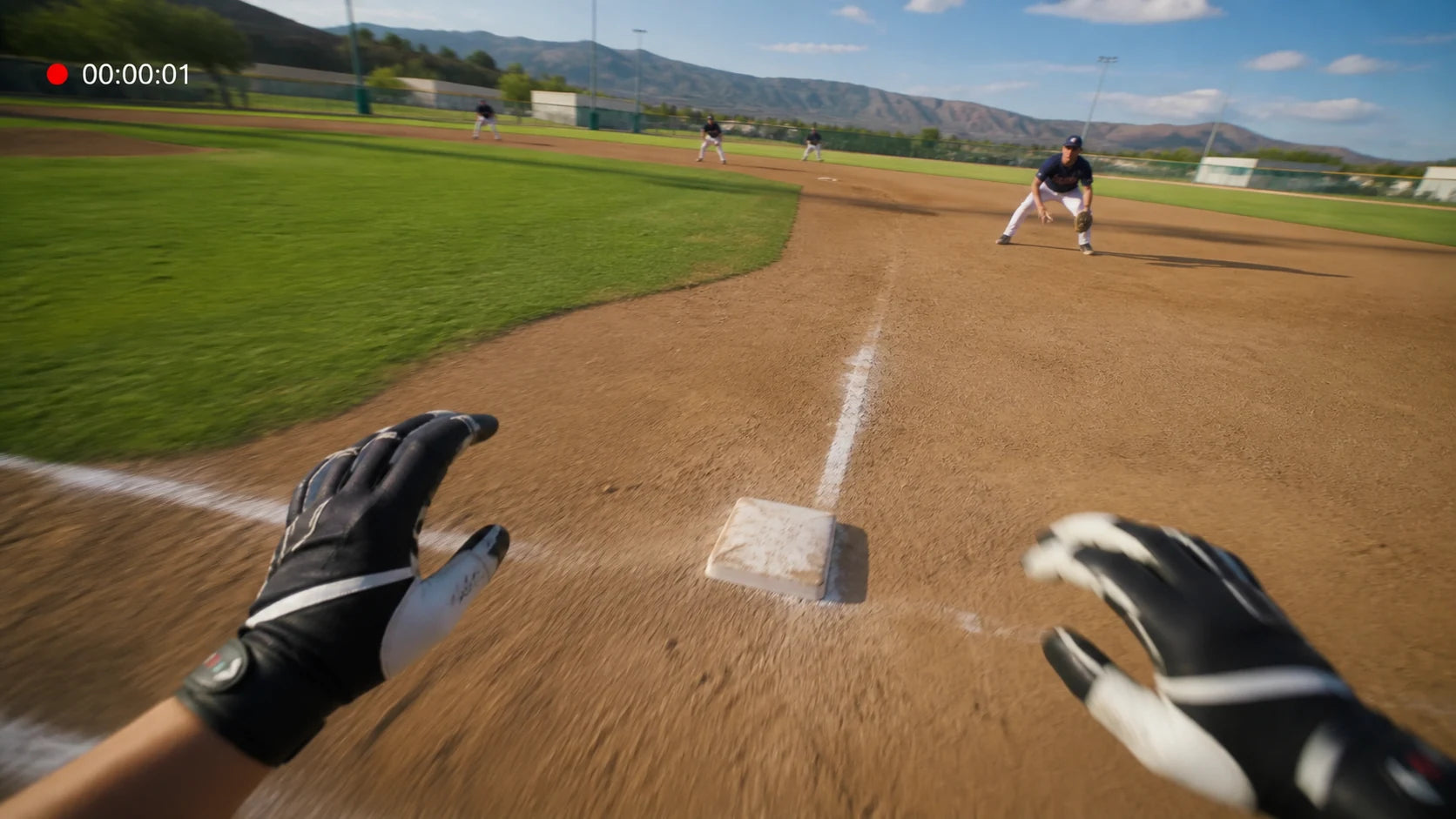
First-person video
Record first-person video from the wearer's viewpoint for later review. Use external-camera footage when you need to see the athlete's full-body movement.
03 / AUDIO
Keep the voice notes with the session.
Audio recording
Record spoken observations when a visual alone is not enough.

INTERCOM
Stay Connected While Training Keeps Moving.
Choose a focused one-to-one conversation or bring several participants into the same intercom session.
01 / ONE-TO-ONE
Talk directly across the field.
One athlete. One coach.
Keep a focused conversation moving without bringing everyone back to the sideline.

02 / GROUP
Keep the whole group connected.
Multiple participants
Coordinate athletes and coaches from different positions during the same session.

APP LIBRARY
Import Your Captures. Keep Every Session Organized.
Manually import selected photos, videos and audio recordings into the BIVDIKO App library. Confirm that your selected media is available before starting a review.
Photos
Imported still images, ready to review
Videos
Imported clips, ready for analysis
Audio
Imported recordings, kept with the session
Sessions
Organized media grouped for easy access
GLASSES → IMPORT → APP LIBRARY
How capture becomes a manual review
Capture and review are separate steps. Use the official BIVDIKO App download page and the tutorial above for your device.
- Manually import selected media into the App album.
- Open one image or video, or select two images or two videos to compare.
- Choose frames and add your own drawings, angles and notes.
- Save your review and export the selected result for sharing.
You or your coach perform the analysis. The App does not automatically analyze technique or generate annotations. Intercom provides live communication and does not save a conversation recording.
Explore product answers and practical guides
- Smart sports glasses FAQ — camera, App, intercom, storage and accessories.
- POV glasses or an external camera? — choose the view that answers your practice question.
- Manual sports video review — import, compare, annotate and save selected results.
- Replacement lens guide — check compatibility and package contents.
IMAGE + VIDEO ANALYSIS
Turn Captured Movement Into Clear Feedback.
Analyze one image or video, compare two sessions and examine motion frame by frame.
01 / SINGLE IMAGE
Mark the details that matter.
Image analysis
Draw, highlight and annotate one image to make technique easier to understand.

02 / IMAGE COMPARE
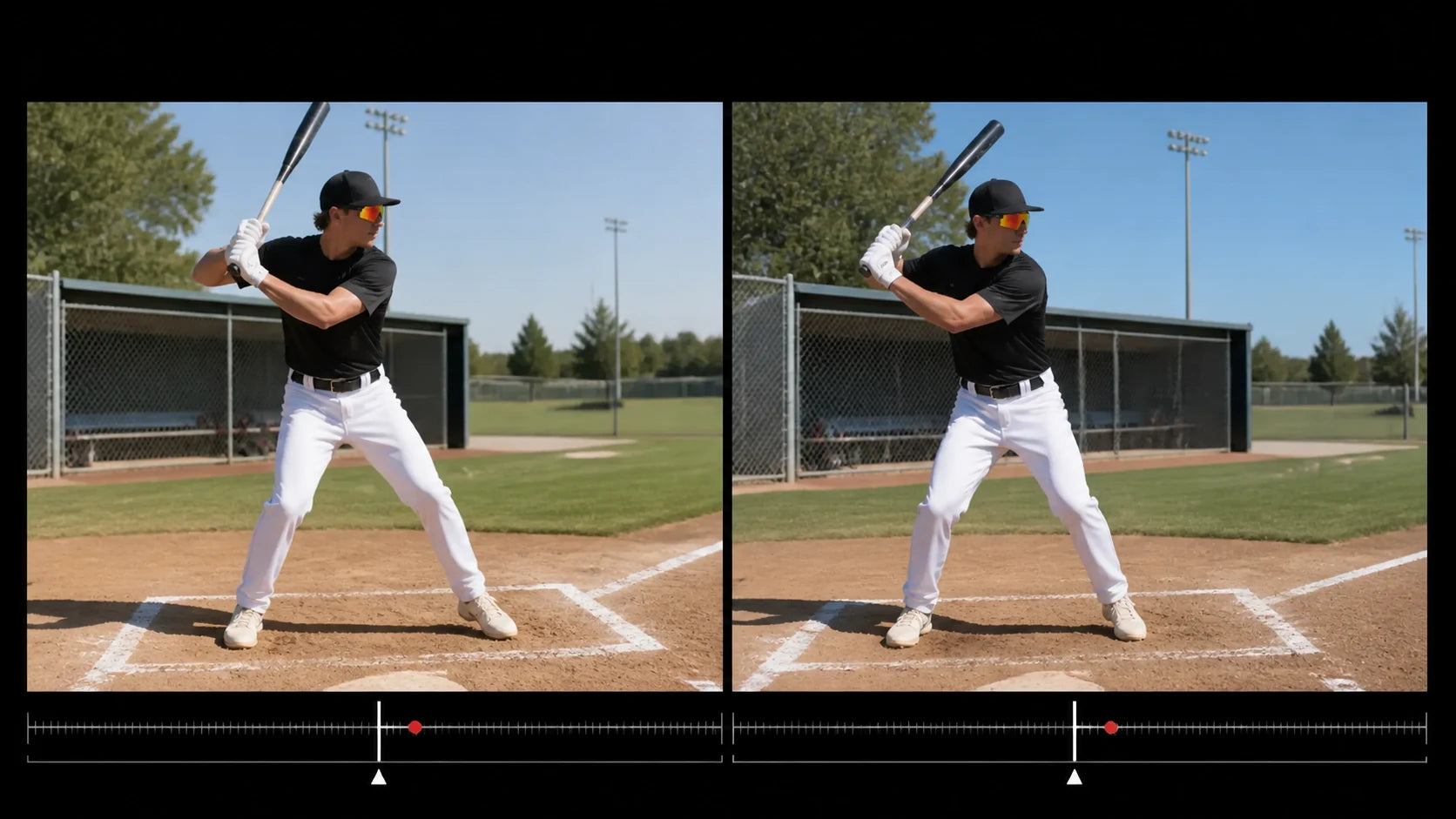
Compare two moments side by side.
Portrait or landscape review
Review two images together in portrait or landscape orientation.

03 / VIDEO COMPARE
See how movement changes over time.
Two-video comparison
Place two clips together and compare movement in portrait or landscape orientation.
04 / FRAME BY FRAME
Slow the action down to each frame.
Detailed video analysis
Move through a clip frame by frame to identify precise changes in form and timing.

SAVE + SHARE
Keep the Feedback. Use It in the Next Session.
Save reviewed results for future training, then share only the moments that matter.
01 / SAVE + APPLY
Bring Coach Feedback Into the Next Session.
Save the reviewed result
Save the coach-annotated image in the BIVDIKO App, then use it as a visual reference the next time you train.

02 / SHARE
Share the selected result.
Continue the conversation
Export the chosen photo, clip or reviewed result and share it with coaches, teammates or social platforms.
BIVDIKO ON TABLET
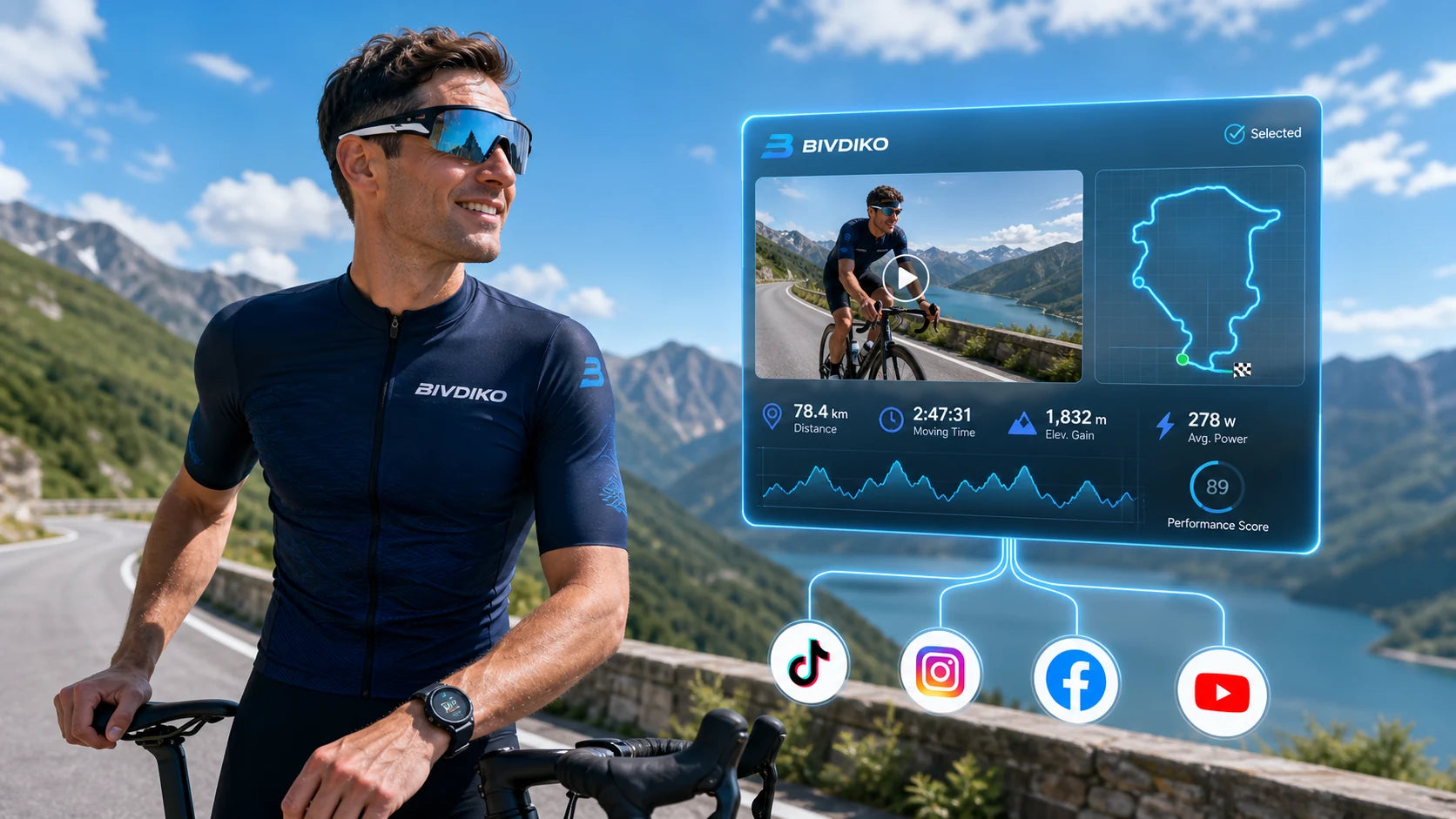
More Space for Detailed Review.
Use the BIVDIKO App on a tablet for a larger analysis workspace.

MY — INSIDE THE APP
Manage Your Experience in One Place.
Profile, privacy, support and account controls are managed inside the BIVDIKO App. Personal information is never displayed on this webpage.
Profile
Edit personal details inside the App
Privacy
Review privacy information inside the App
Support
Find help and contact options
Account
Manage login and sign-out controls
PRODUCT STATUS
Ready Today. Growing Tomorrow.
A clear view of launched capabilities and planned development.
Available now
In development
Expanded analysis
More review and annotation tools
Training history
Follow progress across sessions
More sports modes
Extend the same workflow to more activities